

How to add your booking link to your Google listing
You do it yourself, from your Google Business Profile, in two minutes. No deal with Google, no approval, no portal: it works with any website and any booking system, and nobody takes a commission on your covers.
Three steps, two minutes
- 1
Open your Google Business Profile
From Google Maps or from the Google search page, tap the Bookings button in your profile. Your listing needs to be in the restaurant category.
- 2
Add your booking link
Under the links to your online booking tools, choose Add link and paste the address of the page where guests book with you. Tip: create a “Book” page on your site and put the link there, even if the form is already on your homepage. Guests arriving from Google land straight on the calendar, with nothing to scroll or search for. If you use mee-table, we give you the exact link when you activate.
- 3
Save, and check your listing
The link appears among the contact links on your listing, on Google and on Maps, next to your website and phone number. It is a link, not a big blue button: the blue call to action belongs to providers with a direct integration into Google. What matters is that the guest gets to your booking page from your listing, with no commission in between.
Where the link has to land
The link has to open the booking screen directly, with no hunting. If your widget sits on your homepage that works too, but we recommend a dedicated page, for example yoursite.com/book, holding just the widget: the guest arrives and books, and that address is also what Google shows on your listing. If the widget stays on a long homepage, link to the anchor of that section so nobody has to scroll for it.
It works with any website, and with any booking system
Google asks for a web address, nothing else. A site built with WordPress, Wix, Squarespace, Shopify or hand-written all work, and so does the booking system you already use: what you paste is the address of the page where the guest books. Only one thing really matters: that the page opens fast on a phone and shows the calendar straight away, because three guests out of four tap that link on a small screen, while walking.
Why send the guest to your own page
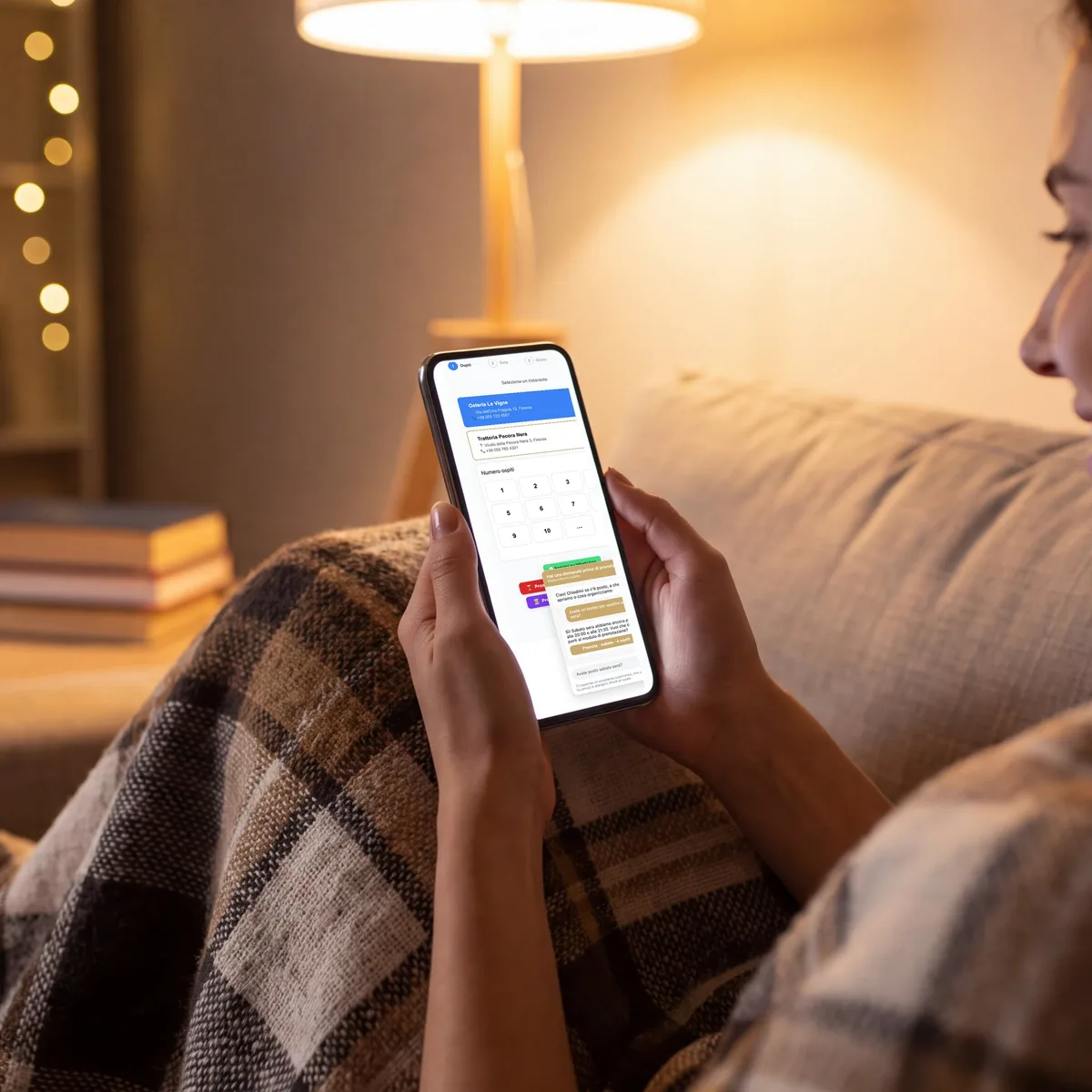
Booking inside Google ends there: a table, a time, nothing else. On your page the same guest also sees the discounted time slots, the gift cards and the events you are running. It is the same click, and it is worth more.
- Zero commission on covers, whoever sends the guest
- The guest and their data stay yours
- The gift card, the events and the discounts are visible right there
- No approval to wait for: you switch it on yourself
Questions restaurateurs ask
Do I lose the booking button if I leave my booking site?
The button you see today comes with your booking site, and it leaves with it. Your Google listing still takes bookings though: with mee-table you point the Bookings link at your own widget, and the bookings come straight to you, with no commission on covers.
Does it cost anything?
No. The link on your Google Business Profile is free and it is yours. What you pay is your mee-table plan, and there is no commission per cover on top.
Do I need anyone's approval?
No. You add the link yourself from your own profile, and it is live within hours.
Does this work if I don't use mee-table?
Yes, and this guide still applies. The field belongs to Google, the link is yours, and you can point it at any booking page. We explain it because every restaurant should have it. Then, if that page costs you a commission on every cover, that is where we come in.
Read next
Turn it on today
Activate mee-table, we hand you the exact link for your listing, and the bookings from Google start arriving on your own page.