
Comment mettre votre lien de réservation sur votre fiche Google
Vous le faites vous-même, depuis votre fiche d'établissement Google, en deux minutes. Aucun accord avec Google, aucune validation, aucun portail : cela fonctionne avec n'importe quel site et n'importe quel système de réservation, et personne ne prend de commission sur vos couverts.
Trois étapes, deux minutes
- 1
Ouvrez votre fiche d'établissement Google
Depuis Google Maps ou depuis la page de recherche Google, touchez le bouton Réservations dans votre fiche. Votre établissement doit être dans la catégorie restaurant.
- 2
Ajoutez votre lien de réservation
Dans les liens vers vos outils de réservation en ligne, choisissez Ajouter un lien et collez l'adresse de la page où l'on réserve chez vous. Conseil : créez une page «Réserver» sur votre site et mettez-y le lien, même si le module est déjà sur votre page d'accueil. Celui qui arrive de Google tombe directement sur le calendrier, sans faire défiler ni chercher. Si vous utilisez mee-table, le lien exact, nous vous le donnons à l'activation.
- 3
Enregistrez, puis regardez votre fiche
Le lien apparaît parmi les liens de contact de votre fiche, sur Google et sur Maps, à côté du site et du téléphone. C'est un lien, pas un gros bouton bleu : le bouton bleu appartient aux prestataires disposant d'une intégration directe dans Google. Ce qui compte, c'est que depuis votre fiche le client arrive sur votre page de réservation, sans commission au milieu.
Où le lien doit arriver
Le lien doit ouvrir directement l'écran de réservation, sans que le client ait à le chercher. Si votre widget est sur votre page d'accueil cela fonctionne aussi, mais nous conseillons une page dédiée, par exemple votresite.fr/reserver, avec uniquement le widget : le client arrive et réserve, et c'est cette adresse que Google affiche sur votre fiche. Si le widget reste sur une page d'accueil longue, utilisez le lien avec l'ancre de cette section, pour que personne n'ait à faire défiler.
Cela fonctionne avec n'importe quel site, et n'importe quel système de réservation
Google demande une adresse web, rien d'autre. Un site fait avec WordPress, Wix, Squarespace, Shopify ou écrit à la main convient, tout comme le système de réservation que vous utilisez déjà : ce que vous collez, c'est l'adresse de la page où le client réserve. Une seule chose compte vraiment : que cette page s'ouvre vite sur un téléphone et montre tout de suite le calendrier, car trois clients sur quatre touchent ce lien sur un petit écran, en marchant.
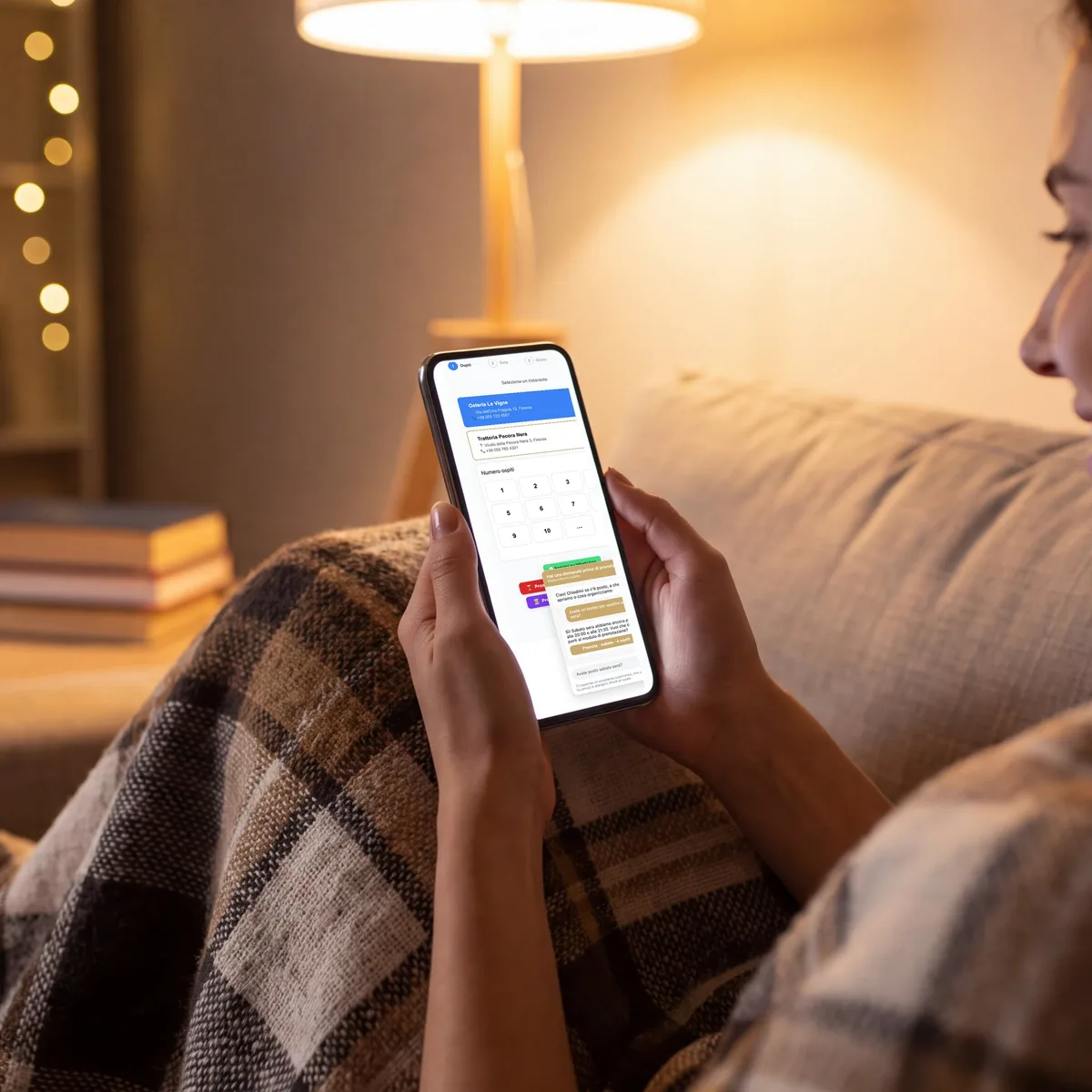
Pourquoi il vaut mieux amener le client sur votre page
Réserver dans Google s'arrête là : une table, un horaire, rien d'autre. Sur votre page, le même client voit aussi les créneaux remisés, les cartes cadeaux et les événements que vous organisez. C'est le même clic, et il vaut davantage.
- Zéro commission sur les couverts, d'où que vienne le client
- Le client, et ses données, restent à vous
- La carte cadeau, les événements et les remises se voient là
- Aucune approbation à attendre : c'est vous qui l'activez
Les questions que posent les restaurateurs
Si je quitte mon portail, est-ce que je perds le bouton de réservation sur Google ?
Le bouton que vous voyez aujourd'hui appartient à l'intégration du portail, et il part avec lui. Mais votre fiche Google reste un canal de réservation : avec mee-table vous réglez le lien Réservations vers votre propre widget, et les réservations arrivent en direct, sans commission sur les couverts.
Est-ce que cela coûte quelque chose ?
Non. Le lien sur votre fiche d'établissement Google est gratuit et il est à vous. Ce que vous payez, c'est votre formule mee-table, et il n'y a aucune commission par couvert par-dessus.
Faut-il l'approbation de quelqu'un ?
Non. Vous ajoutez le lien vous-même depuis votre fiche, et il est actif en quelques heures.
Est-ce que cela marche si je n'utilise pas mee-table ?
Oui, et ce guide reste valable. Le champ appartient à Google, le lien est le vôtre, et vous pouvez y mettre n'importe quelle page de réservation. Nous l'expliquons parce que chaque restaurant devrait l'avoir. Ensuite, si cette page vous coûte une commission sur chaque couvert, c'est là que nous intervenons.
À lire ensuite
Activez-le aujourd'hui
Vous activez mee-table, nous vous donnons le lien exact pour votre fiche, et les réservations venues de Google commencent à arriver sur votre page.